Boardstrom Remote Beta
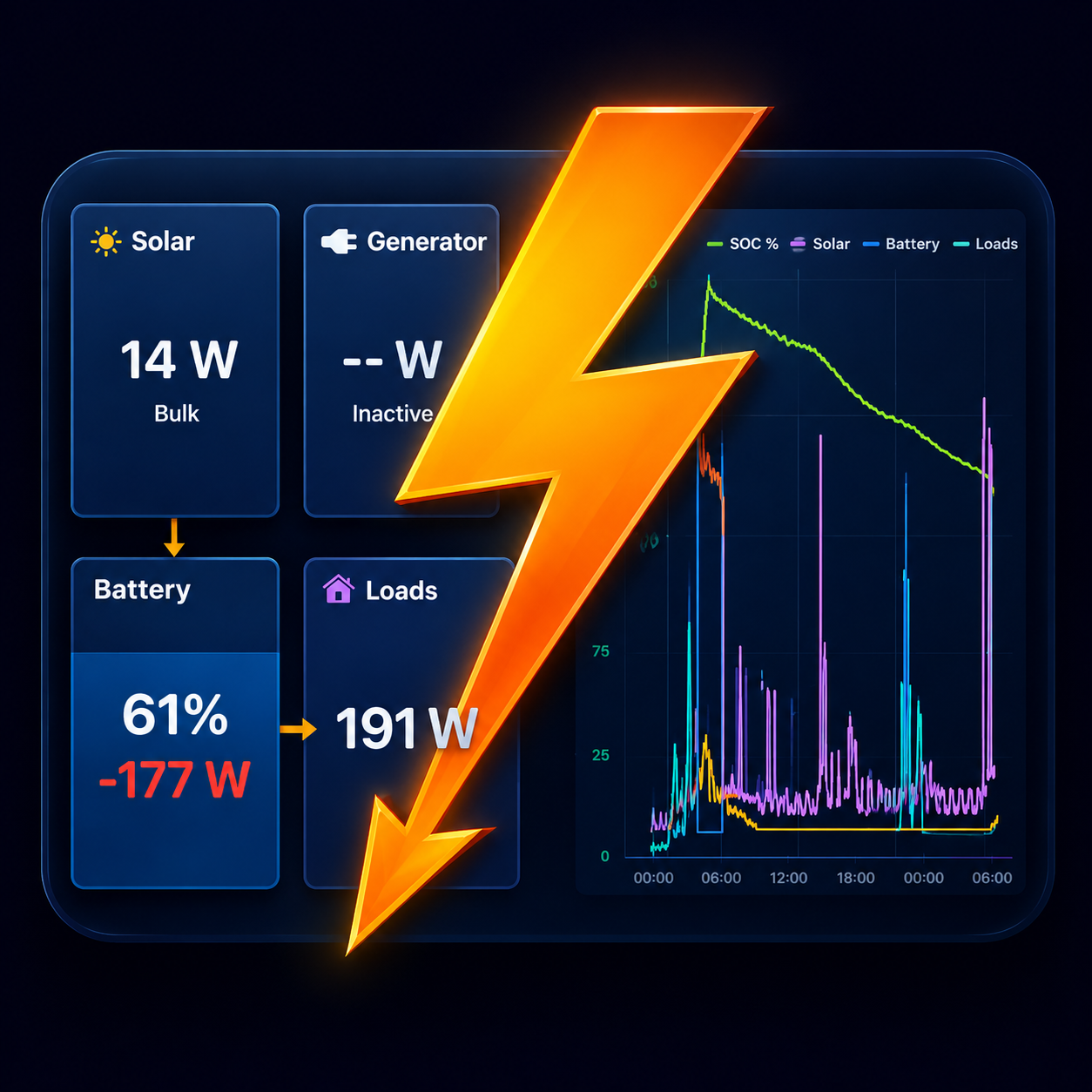
You probably already run Boardstrom on a tablet as the permanent display in your boat or camper. Remote lets your phone watch that same live dashboard from wherever you are: state of charge, solar, loads, tank levels, temperatures. The tablet stays with the system; you don't have to. Remote is part of Boardstrom Pro and is open to everyone as of October 19, 2026.
How it works
Same app on both devices, in two roles:
- Hub: the device on board. It keeps collecting data over Bluetooth and WiFi/MQTT exactly as before, and publishes an encrypted copy of its dashboard about once a minute, faster while someone is watching. Every system on the hub is shared, so a boat with a house bank and a starter bank shows both. Untick a system under Settings › Remote to keep it private.
- Viewer: your phone. Pair it once with the code or the link the hub shares, and the boat shows up as its own system in the app, complete with the hub's device names, tank calibration and colors. Nothing to re-configure. The phone also fetches the hub's chart history, so the graphs are not empty when you open them.
Pairing is a single shared code. The hub shows it as a QR code and a link; scan it or paste it on the phone, done. More viewers (a partner's phone) pair with the same code. Up to five phones can watch one hub.
The tablet is the hub
It reads your Victron gear, tanks and sensors as before, and seals a copy of the dashboard with a key made on your devices. About once a minute, faster while you watch.
A relay that can't read it
It passes the sealed snapshot along and keeps only the latest one, which expires within the hour. No account, no database of your data.
Your phone is the viewer
Paired once by scanning a code. It opens the snapshot with the same key and shows the same dashboard, device names and chart history.
Up to five phones per tablet.
Private by design
Remote monitoring usually means a cloud account and your data in someone's database. Boardstrom keeps its promise instead: no account, and we cannot see your data.
- The pairing code is an encryption key generated on your devices. Everything travels end-to-end encrypted; the relay just forwards bytes it cannot read.
- Nothing is stored server-side except the latest encrypted snapshot, kept for at most an hour so your phone gets an instant answer even if the hub is momentarily offline. It expires on its own.
- No email, no signup, no password, no tracking. Remove the pairing and it is gone. Generate a new code on the hub and every viewer is cut off.
- It works behind Starlink and cellular internet. No port forwarding, no VPN, no router setup.
What you need
- A hub: an Android tablet or a plugged-in iPad with Boardstrom in the foreground, which is how on-board displays run anyway. If the app is closed, publishing pauses until it is opened again. Tips for keeping an always-on device healthy are on the Support page.
- Internet on both sides. The hub is happy on the boat's WiFi or a hotspot.
- Boardstrom Pro on the hub to turn sharing on. Watching a shared system is free: a phone only needs the pairing code.
Beta
Remote works and has been running on a handful of boats and vans around the clock since July 2026. It is still labelled beta: it runs through a small relay we operate at no extra charge, and the feature may change or be withdrawn. What it does today:
- Device names, tank calibration and colors flow from the hub to the viewer. Editing them on the viewer arrives later.
- Tiles on the viewer grey out when the hub stops reporting, so stale data never looks live.
- Alarms are raised on the hub. Forwarding them to the phone is on the roadmap.
Getting started
- On the tablet on board, open Settings › Remote and turn on Share this system.
- On your phone, scan the QR code the tablet shows, or open the shared link. The boat appears as a new system.
- Swipe between your systems as usual. The remote one is marked "(remote)".
Have an idea or found a bug? Email merten@boardstrom.com.