Support
Happy to help with setup, devices, or anything else.
Community
The fastest way to get help is r/boardstrom on Reddit: share your setup, ask questions, report bugs, and vote on what gets built next. Public answers help the next person with the same question, so start there.
Get in touch
Prefer email? Write to merten@boardstrom.com and we'll get back to you. Including your device model and what you're seeing helps us help you faster.
Do I need a Cerbo or GX device?
No. For most systems, Boardstrom reads your Victron gear directly over Bluetooth, with no extra hardware to buy. A Victron GX device (Cerbo GX, Ekrano GX, or Venus OS) is optional: if you already have one, Boardstrom can read your whole system from it over WiFi instead. You pick one or the other in Settings. See Supported devices and Setup for the details.
How do I connect over Bluetooth?
Make sure your Victron devices are within Bluetooth range, that Instant Readout is enabled for them in VictronConnect, and that Bluetooth is turned on for your phone. Boardstrom reads passive Bluetooth advertisements, so devices appear on their own once they're in range. You'll add each device's encryption key once (see the next question).
How do I get my Victron device's encryption key?
In the VictronConnect app, open your device → Settings → Product Info → “Instant Readout via Bluetooth” → tap Show next to the encryption key. Enter that key in Boardstrom to start reading the device. This is only for Bluetooth. Over WiFi there are no keys to enter.
How do I connect over WiFi?
You'll need a Victron GX device on the same network. On newer Venus OS (GUIv2) the local broker is always on, so the main step is setting the local network security profile to Unsecured (Settings → General → Access & Security), and leaving the username/password blank in Boardstrom; on older versions you enable MQTT on LAN under Settings → Services. Then in Boardstrom open Settings and tap + Add MQTT broker under your system. The full step-by-step for both Venus OS versions is on the Setup page.
How do I add a Mopeka, Ruuvi, or tank sensor?
You don't add it, it adds itself: sensors broadcast openly, so there's no add button and no pairing. Stand near the sensor with the app open (press a Mopeka's sync button once so it's definitely broadcasting), then look in Settings → Devices. It appears there as its own row; tap it to pick a group, name it, and configure it (a Mopeka gets its contents and a one-step calibration against the Mopeka app). On Android the app needs the Nearby devices permission for sensors to appear. Full steps are on the Setup page.
Nothing is showing up
Over Bluetooth: check that the devices are in range, that Instant Readout is enabled in VictronConnect, and that Bluetooth is on. Over WiFi: check that your phone and the GX device are on the same WiFi network, and that both MQTT on LAN (SSL) and MQTT on LAN (Plaintext) are enabled on the GX. The Setup page has more.
Can I turn my inverter on and off?
Yes, with Pro and a WiFi (MQTT) connection. Boardstrom can switch a MultiPlus, Quattro, or Phoenix inverter on and off from the dashboard, and it asks you to confirm every time. It works over WiFi only (not Bluetooth), and the inverter's own switch has to be in the On position. Full requirements are on the Setup page.
Can I try Boardstrom without any Victron gear?
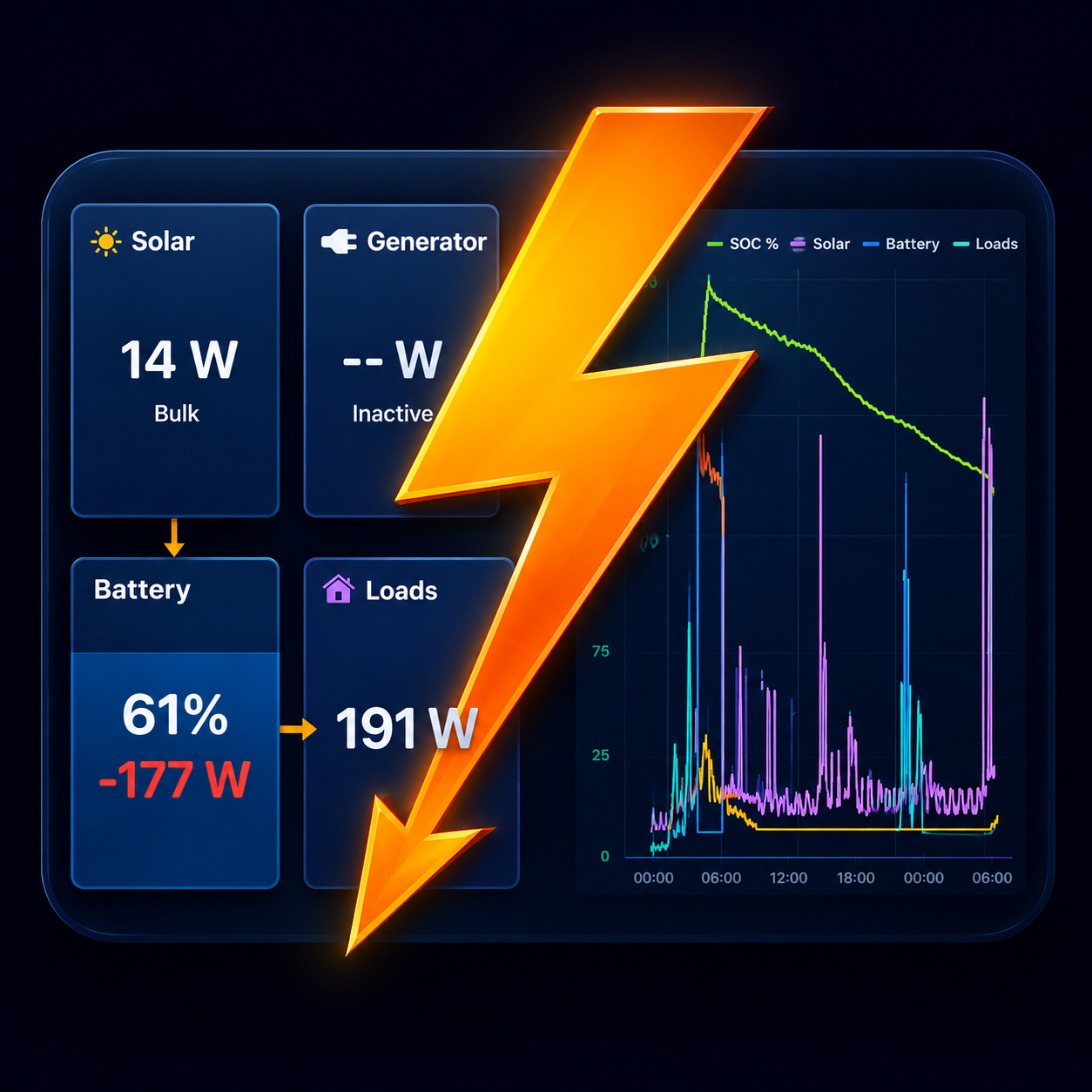
Yes. Open Settings and turn on Demo Mode to explore the full dashboard with a simulated system: live tiles, charts, and history. Demo Mode is free.
What's free, and what's in Pro?
Boardstrom is free to use, with the essentials in place. Boardstrom Pro is a one-time purchase (no subscription) that unlocks the full system view, longer history, and inverter control. Here is the complete breakdown:
| Feature | Free | Pro |
|---|---|---|
| Live dashboard: state of charge, solar, battery power, loads | Yes | Yes |
| Bluetooth and WiFi (MQTT) data sources | Yes | Yes |
| Demo Mode | Yes | Yes |
| No account, no cloud, data stays on your network | Yes | Yes |
| Devices read over Bluetooth | One device | Your whole system |
| Chart history range | 1 hour | 12 hours, 24 hours, 7 days |
| History kept after the app restarts | No | Yes |
| System groups (e.g. house bank and starter bank) | One | Unlimited |
| Inverter On/Off control (WiFi only) | No | Yes |
One purchase unlocks Pro on every device signed in with the same account. No subscription; buy it once and it's yours.
I bought Pro but it isn't showing
Open Settings and tap Restore purchase. Make sure you're signed in with the same Apple ID (or Google account) you used for the purchase.
Privacy
Boardstrom keeps your data on your device and your own network. See the full Privacy Policy.