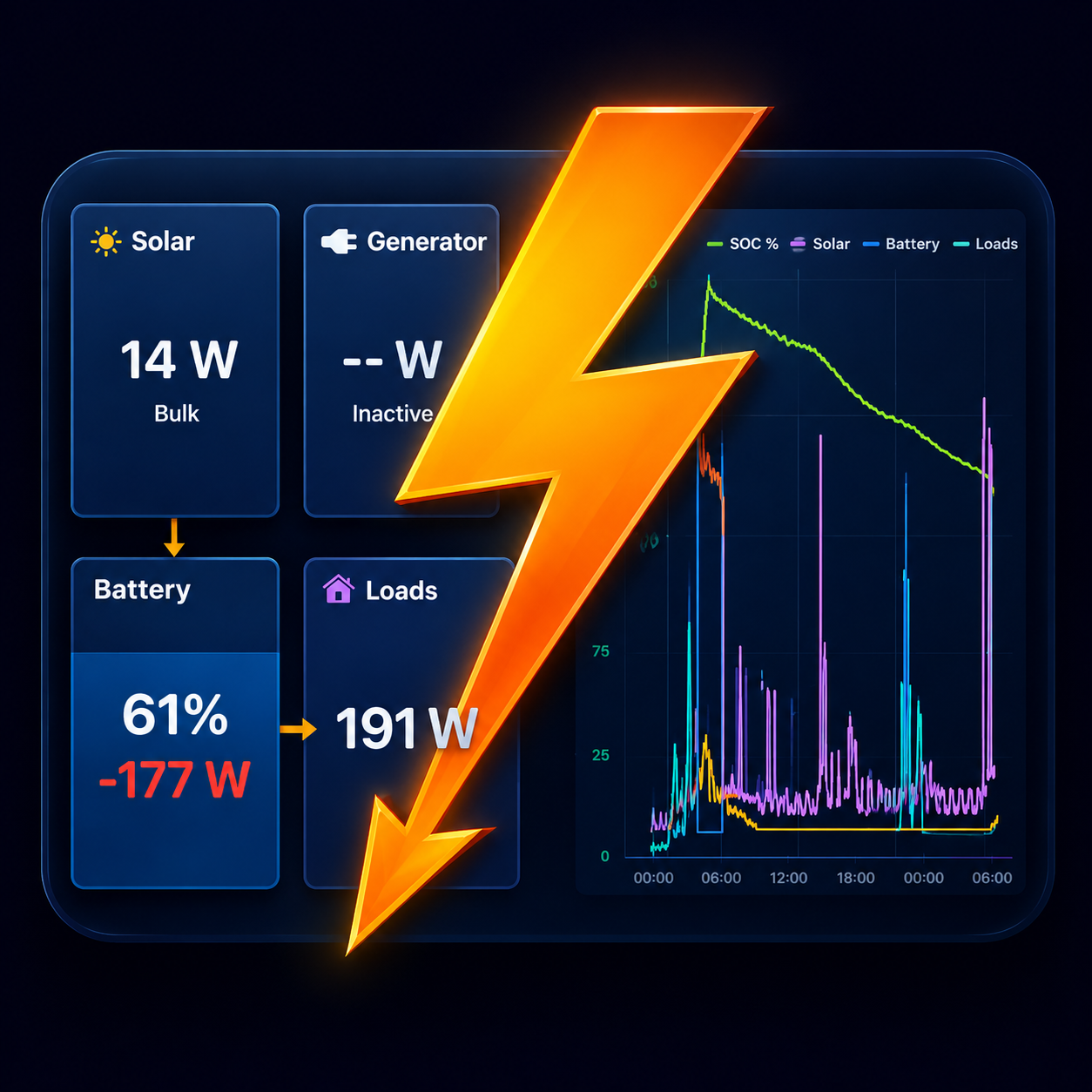
MultiPlus and Quattro in Boardstrom
A MultiPlus or Quattro reaches Boardstrom in one of two ways, depending on what is connected to it.
Over Bluetooth, with the VE.Bus Smart dongle
Most MultiPlus and Quattro units have no Bluetooth of their own. Victron's VE.Bus Smart dongle adds it. With the dongle, Boardstrom shows:
- AC input power and whether shore power is connected.
- AC output power, which is your AC loads.
- The inverter/charger's state.
Enter the dongle's encryption key once, the same way as for any Victron Bluetooth device: VictronConnect › the device › Settings › Product Info › Instant Readout via Bluetooth › Show.
Over WiFi, from a GX device
If the inverter/charger is wired to a Cerbo GX, an Ekrano GX or another Venus OS device, Boardstrom reads it from there over your local network, with no keys to enter. The Setup page has the steps.
This path also allows control: with Pro, a switch on the dashboard turns a MultiPlus, Quattro or Phoenix inverter on and off. It asks for confirmation every time. The inverter's own front switch has to be in the On position, and a Digital Multi Control panel or VE.Bus BMS that holds the remote on/off will override the app.
Good to know
- Over Bluetooth, Boardstrom only reads. Switching the inverter needs the WiFi path.
- In grid-tied and ESS systems, the AC input figure is the net at the inverter's input, so it includes grid-side solar.
- A Phoenix Inverter Smart has Bluetooth built in and is read directly, with AC power, AC voltage and state.
Get Boardstrom
Boardstrom runs on iPhone, iPad and Android. It is free to start, and Demo Mode shows a simulated system if you want to look around first. Get the app.