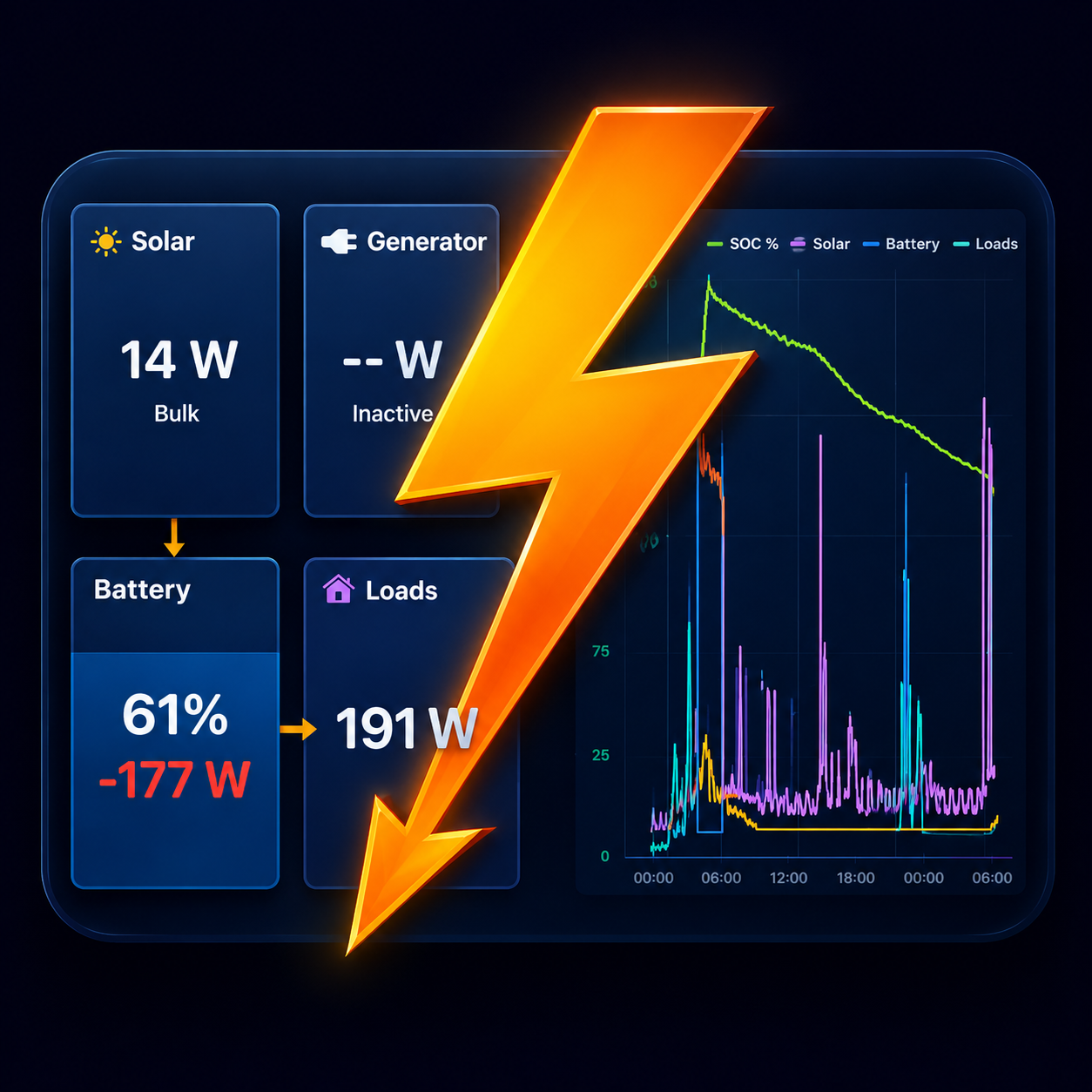
A Victron dashboard without a Cerbo GX
Yes, you can see your whole Victron system on a phone or tablet without a Cerbo GX or any other GX device.
Most Victron devices with Bluetooth broadcast their key readings every couple of seconds. Victron calls this Instant Readout. Boardstrom listens to those broadcasts and combines them into one live dashboard: battery, solar, loads, alternator charging, tanks and temperatures. It never connects to the devices, and nothing is sent to a server.
What you need
- An iPhone, iPad or Android phone or tablet within Bluetooth range of the devices.
- Victron devices that support Instant Readout. The usual set is a SmartShunt or BMV-712, one or more SmartSolar MPPT chargers, and often an Orion DC-DC charger. The supported devices page has the full list.
- Each device's encryption key, entered once.
Setting it up
- In VictronConnect, open the device, then Settings › Product Info. Make sure Instant Readout via Bluetooth is on, and tap Show next to the encryption key.
- Open Boardstrom near the device. It appears on its own under Settings › Systems & devices.
- Tap it and enter the key. Readings start within a few seconds.
The free version reads one device. Boardstrom Pro, a one-time purchase, reads every device in the system at once.
What a GX device adds
A Cerbo GX or other GX device is still worth having for some things. Boardstrom can read from one over WiFi too, and can combine it with Bluetooth devices.
- Devices without Instant Readout. A GX device is wired to the system and sees devices that never broadcast over Bluetooth.
- Switching an inverter on and off from the app. This works over WiFi from a GX device only.
- Victron's VRM portal, for watching the system from anywhere through Victron's cloud.
- Recording around the clock. Without a GX device, Boardstrom records history while the app is running, so a tablet left on as a wall display gives the most complete history.
If you don't need those, Bluetooth alone covers the daily question: how is the system doing right now, and will the battery last?
Get Boardstrom
Boardstrom runs on iPhone, iPad and Android. It is free to start, and Demo Mode shows a simulated system if you want to look around first. Get the app.