SmartShunt and BMV-712 on your phone and tablet
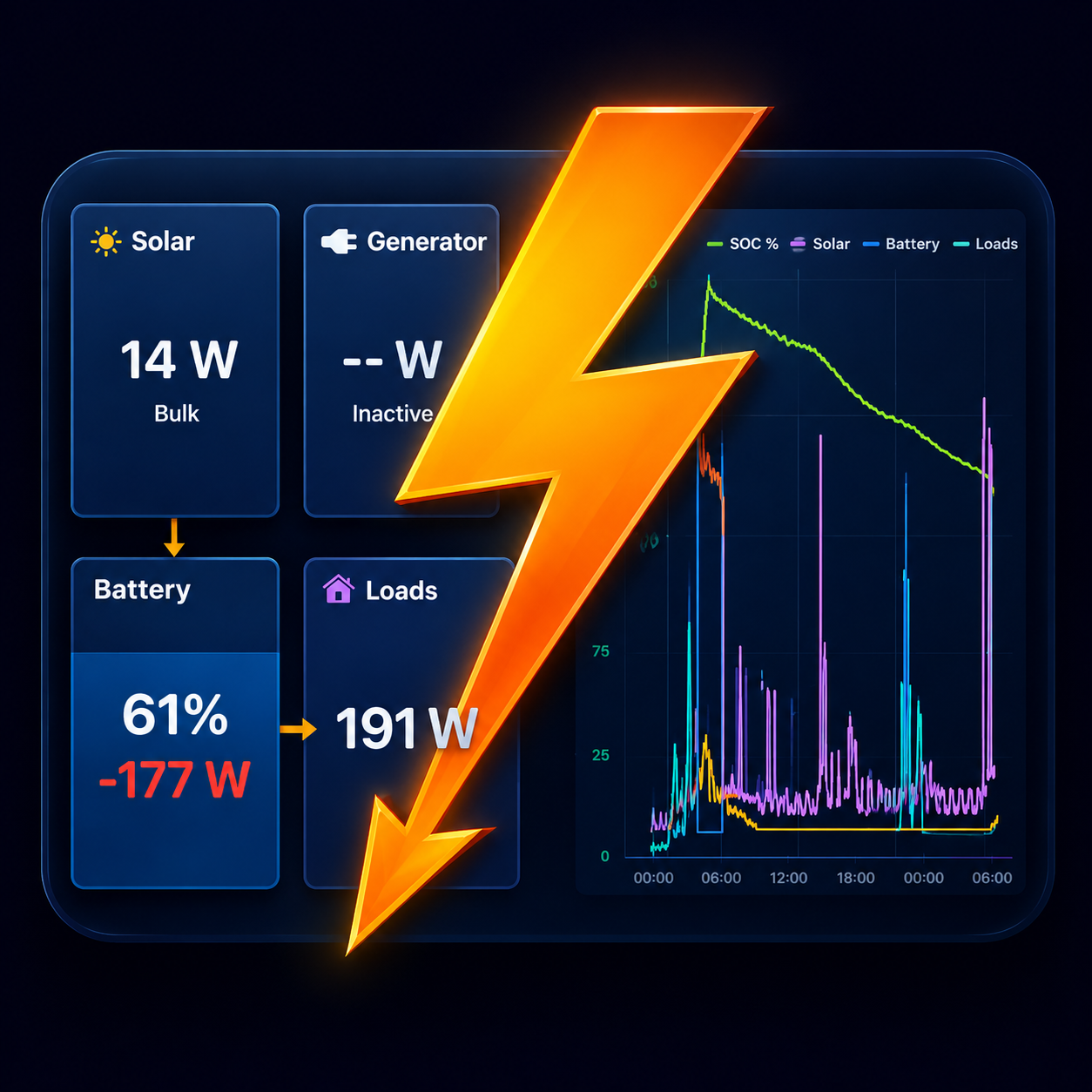
Boardstrom reads a Victron SmartShunt or BMV-712 Smart directly over Bluetooth and puts the battery at the centre of a live dashboard.
What you see
- State of charge, voltage, current, power and the monitor's own time-to-go estimate.
- Charge and discharge energy per day, and how long since the battery was last fully charged.
- History charts for state of charge, voltage and power.
- The monitor's second input, whichever way it is set in VictronConnect: a starter battery voltage, a battery temperature, or a midpoint voltage.
With a SmartSolar charger in the same system, Boardstrom also works out your loads from the energy balance, so you see solar in, battery in or out, and consumption together.
Setting it up
- In VictronConnect, open the device, then Settings › Product Info. Make sure Instant Readout via Bluetooth is on, and tap Show next to the encryption key.
- Open Boardstrom near the device. It appears on its own under Settings › Systems & devices.
- Tap it and enter the key. Readings start within a few seconds.
More than one shunt
- Two battery banks, each with its own SmartShunt: both appear as banks and are added up for the system total.
- A SmartShunt in DC Energy Meter mode measures one source or load. Set to "Alternator" or "DC-DC charger" it gives a measured alternator figure, which is useful with an Orion-Tr Smart that doesn't report its own output.
- A separate starter battery with its own shunt fits best as its own system in the app, linked to the house system so it shows as one line on the Flow page.
Good to know
- Over Bluetooth the monitor does not report the time since the last full charge, so Boardstrom detects the moment the monitor re-synchronises to 100% while the app is running.
- An older BMV without built-in Bluetooth is not visible over Bluetooth. With a GX device, Boardstrom reads it over WiFi.
Get Boardstrom
Boardstrom runs on iPhone, iPad and Android. It is free to start, and Demo Mode shows a simulated system if you want to look around first. Get the app.