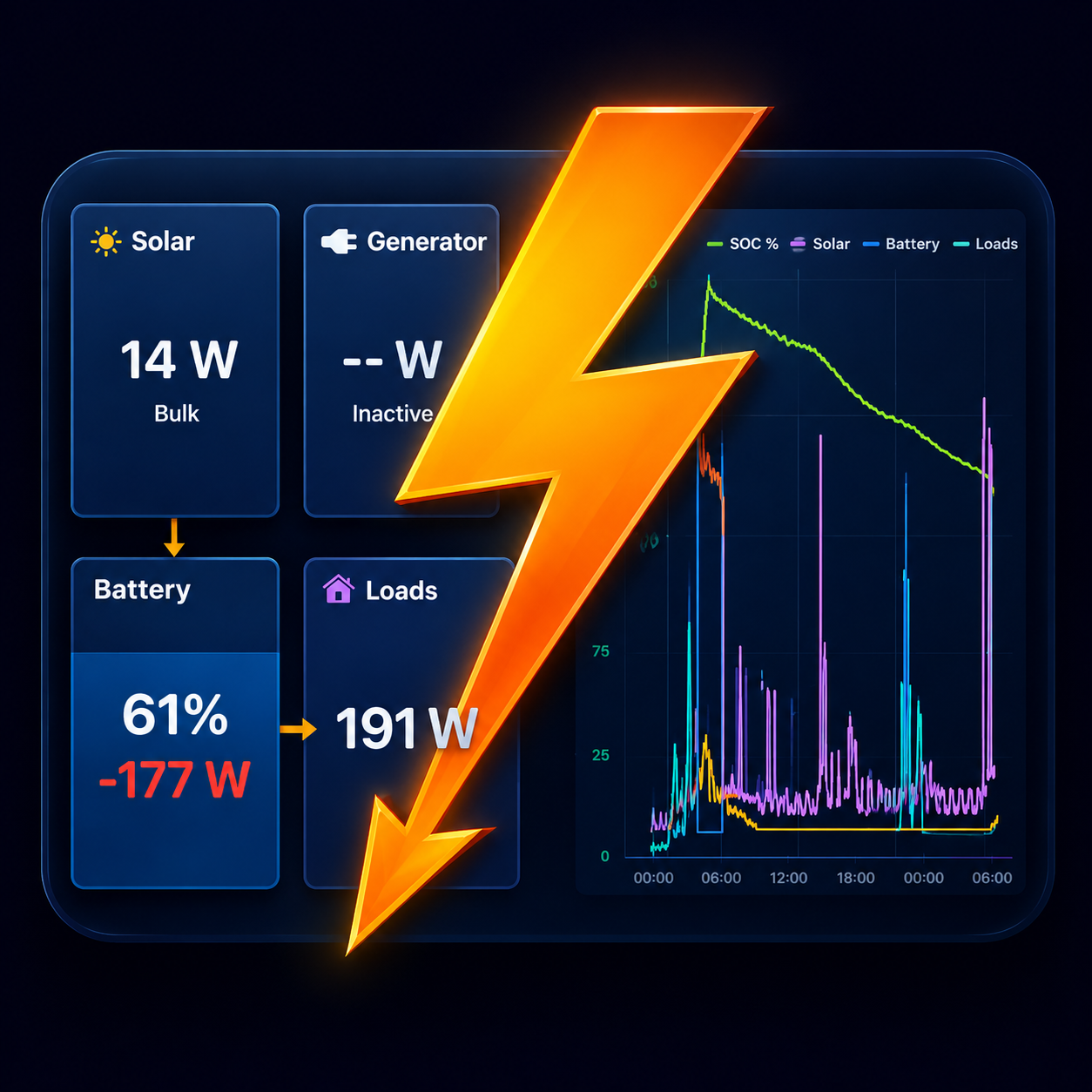
SmartSolar MPPT chargers live on your phone
Boardstrom reads Victron SmartSolar MPPT charge controllers over Bluetooth and shows your solar next to the battery and loads.
What you see
- Solar power right now, the charge state (bulk, absorption, float) and the battery voltage at the charger.
- Yield today, and daily solar totals over time.
- Several controllers added up into one solar figure, with a line per controller underneath. Pro can also show each controller as its own tile and chart line.
Solar forecast
With Pro, Boardstrom learns how your panels respond to the weather and how much you use, then projects the battery's state of charge several days ahead. It runs on the phone, from your own history and a weather forecast for your location.
Setting it up
- In VictronConnect, open the device, then Settings › Product Info. Make sure Instant Readout via Bluetooth is on, and tap Show next to the encryption key.
- Open Boardstrom near the device. It appears on its own under Settings › Systems & devices.
- Tap it and enter the key. Readings start within a few seconds.
Repeat for each controller. The free version reads one device; Pro reads them all at once.
Good to know
- A BlueSolar controller has no Bluetooth of its own, so it is not visible over Bluetooth. With a GX device, Boardstrom reads it over WiFi.
- A SmartSolar on very old firmware may not broadcast Instant Readout. Updating it in VictronConnect adds it.
- Solar panels on a non-Victron controller can still be counted if a SmartShunt in DC Energy Meter mode measures them.
Get Boardstrom
Boardstrom runs on iPhone, iPad and Android. It is free to start, and Demo Mode shows a simulated system if you want to look around first. Get the app.